
Buying items through the webshop means every transaction has to be processed through the blockchain network, and depending on its conditions and the speed of your transaction (determined by the gas fee you established), it may take longer than usual for your purchase to come through.
Navigate to your User Dashboard from the Fableborne Website. Then, under My Profile, click “Go to History” in the Order History section. Locate your purchase, and its ID should appear as a clickable link. Open it to view Ronin’s transaction details, where you’ll be able to determine the transaction status.
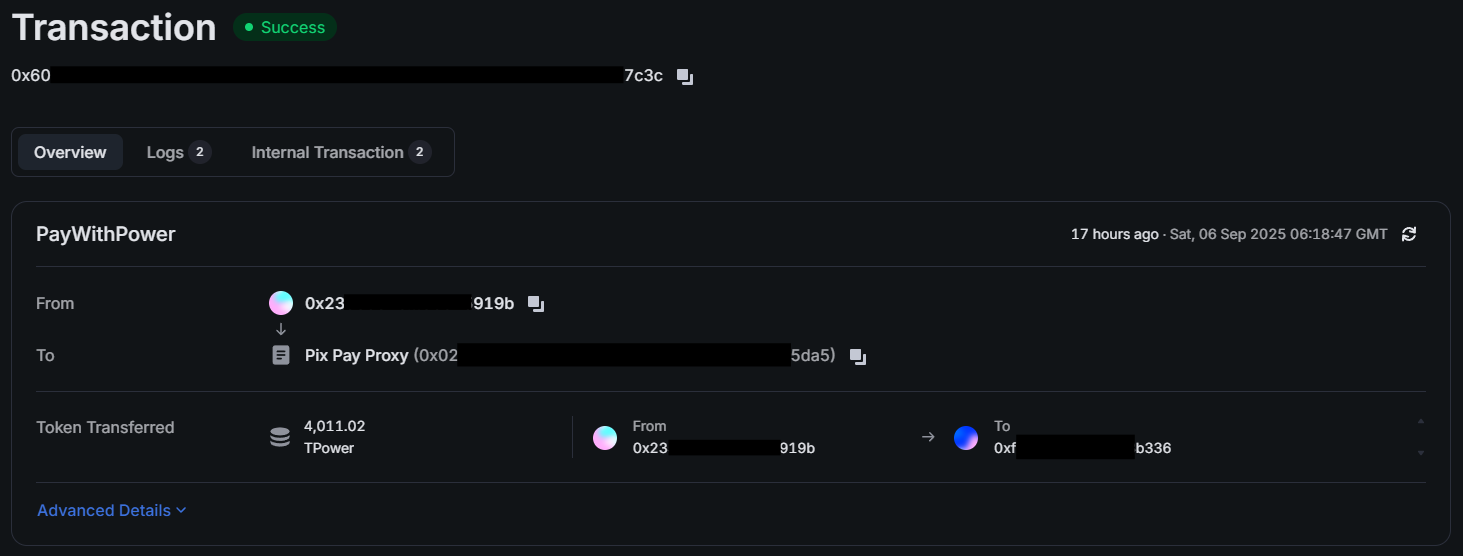
If your purchase appears as completed and you haven’t received the items in the game, please try restarting the Fableborne app and/or clearing the game’s cache (if you’re playing on an Android device).
In case the items are still missing from your account, please contact our Support Team with your Purchase ID and the details of your transaction so we can investigate further.