App Store (iOS)
There are two ways you can locate your receipt from Apple. First, you can check your mail’s inbox and look for the email with your purchase receipt. If you cannot locate it, follow these steps to get it delivered again:
Tap Settings.
Tap your name to access your account’s information.
Go to Media & Purchases, and then View Account.
Complete the security check (PIN, touch ID or face ID).
Tap Purchase History.
Tap the purchase you’re having issues with.
Tap Resend Receipt to get it on your email.
Play Store (Android)
Google usually delivers a confirmation email containing your receipt. You can recognize it since it’ll include your Order ID (GPA number), date of purchase, article, cost, and payment method. You can follow these steps if you cannot locate your email:
Visit https://pay.google.com/ and login with your Google Account.
On the left, tap Activity or Purchase History.
You’ll see a list of your recent transactions. Tap the one you’re having issues with to open your receipt.
Webshop
If you purchased an item from the webshop, you will receive a notification to the email you linked to your Pixion ID with your electronic receipt. Make sure you check your Spam inbox as well.
I cannot find my purchase receipt
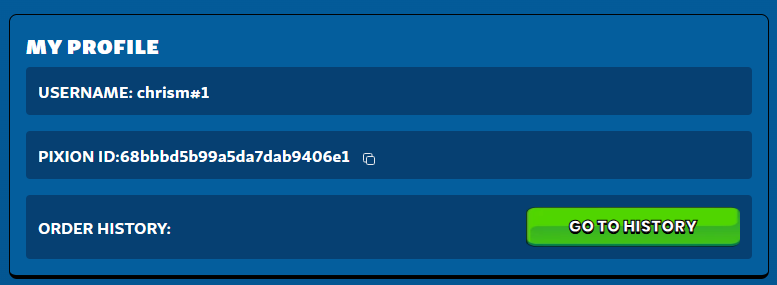
Visit your User Dashboard on Fableborne’s website (make sure you login to your account).
Under the My Profile section, click Go to History in the Order History section.
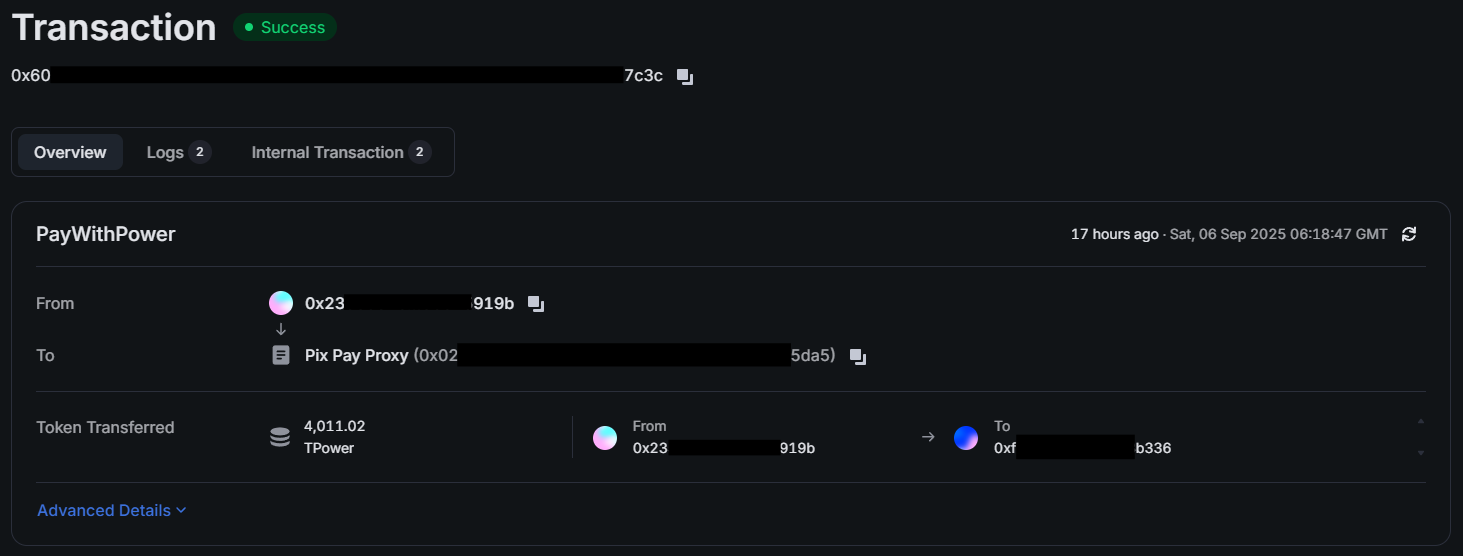
Locate your transaction on the screen and take a screenshot (if you purchased an item with $POWER, you’ll be able to click the Purchase ID and open Ronin’s transaction details). Reach out to our Support Team and attach it to your request so we can investigate further.